We recommend when you are not using your Core to always place it on the charging base. This will ensure the battery is always charged, and you’ll always be able to start meditating without delay.
There are two different ways to see how much charge Core’s battery has left.
 |
In the app. Within the Core app, navigate to the Profile and tap “Your Core.” If your Core device is currently connected to the app, it should show a rough indicator of how much battery is left. Whenever Core’s battery is too low to begin a meditation, a small alert icon will appear, and the app will advise you to charge your Core before you begin. |
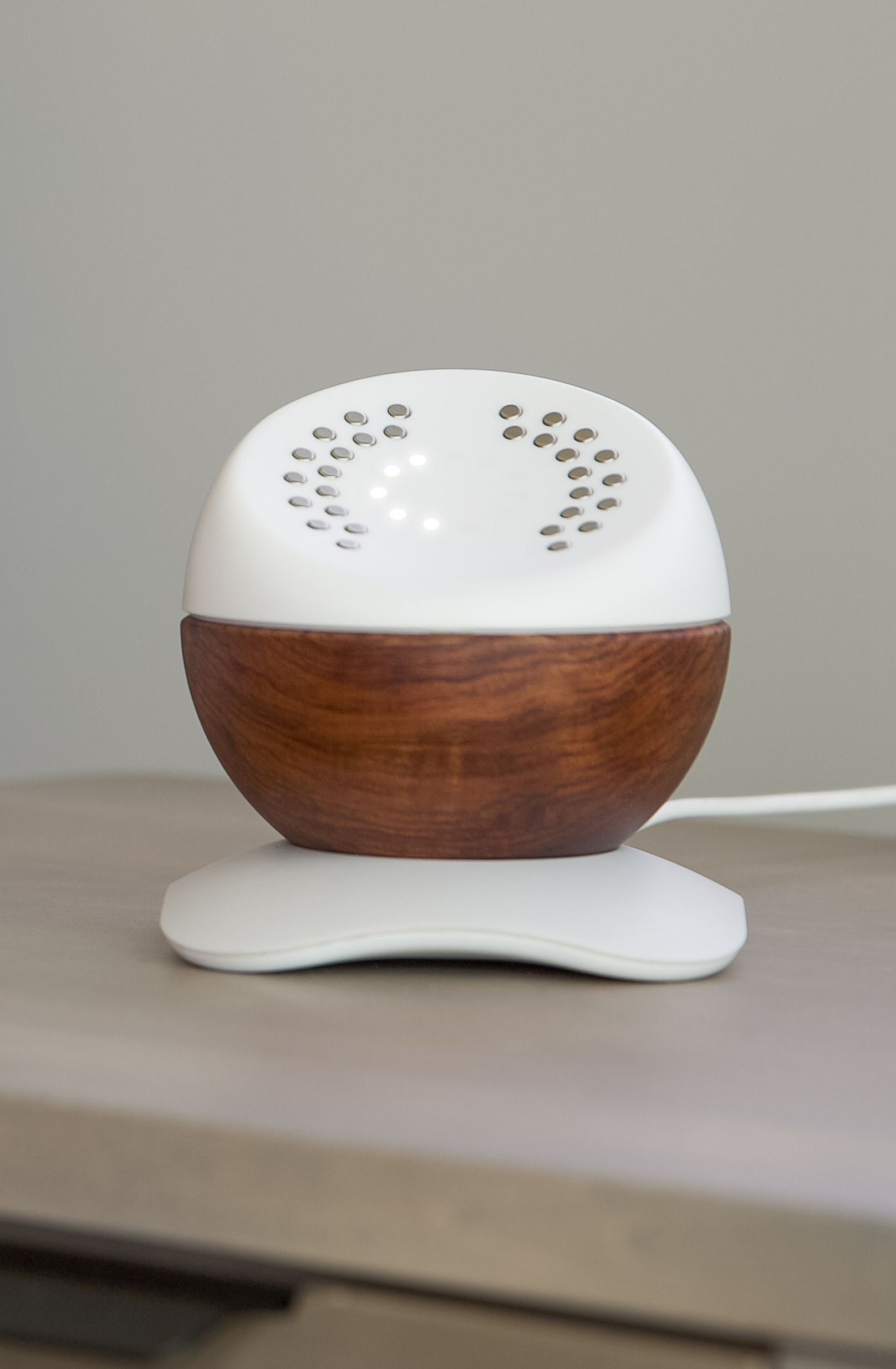 |
With the device and charger. You can also check the battery level without using the app, if you’d prefer. Place your Core onto the charging base (or if it’s already on the charging base, pick it up and place it back down again.) As usual, make sure the metal pins in the bottom of Core are aligned with the metal pins in the base when you do so. You’ll see the lights on the top of Core cycle — it will light up all the way, then back down again to indicate the amount of charge it has left. The lights are a bit like a fuel gauge: if they cycle back down so that only one or two are lit, its battery is low. If all the lights show, then it’s fully charged. In some cases, when the battery is completely drained or Core hasn’t been charged in a long time, the lights might not cycle at all. If no lights come on when you place Core in its base, let it sit for 10 minutes or so, then try again. |