To use Core, you’ll need to download the mobile app and then create an account. Once you've installed the app, it will automatically walk you through the simple steps of this process.
Why do I need an account? Core will use your account to save the results of your meditations, generate personalized biometric baselines for you, and recommend content that’s relevant to your interests.
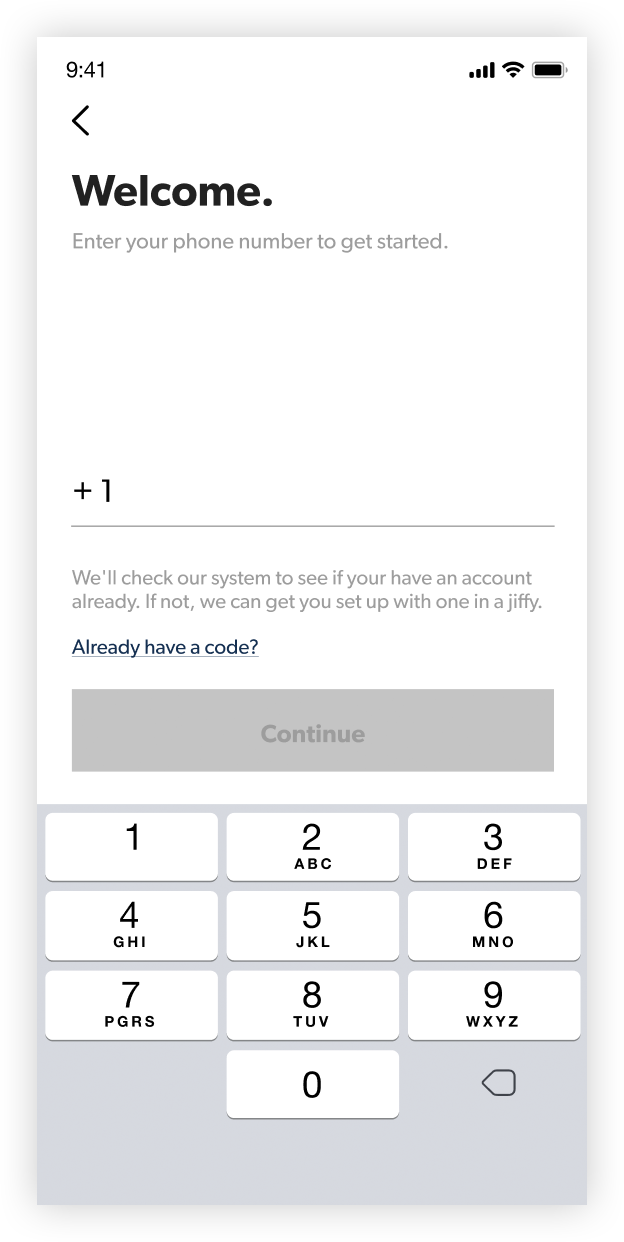 |
The first thing you’ll be asked to do is enter your mobile phone number. Core uses your phone number to verify your identity when you log in. This layer of security helps us protect your account and your personal data. Core will never use your phone number for any other purpose. Note that you cannot use a landline phone for this. Your phone needs to be capable of receiving SMS messages. |
 |
Once you submit your phone number, we’ll send you a text message containing a unique 6-digit code, and you’ll use that number to complete the login process. This is how we ensure that it’s really you trying to log in.
|
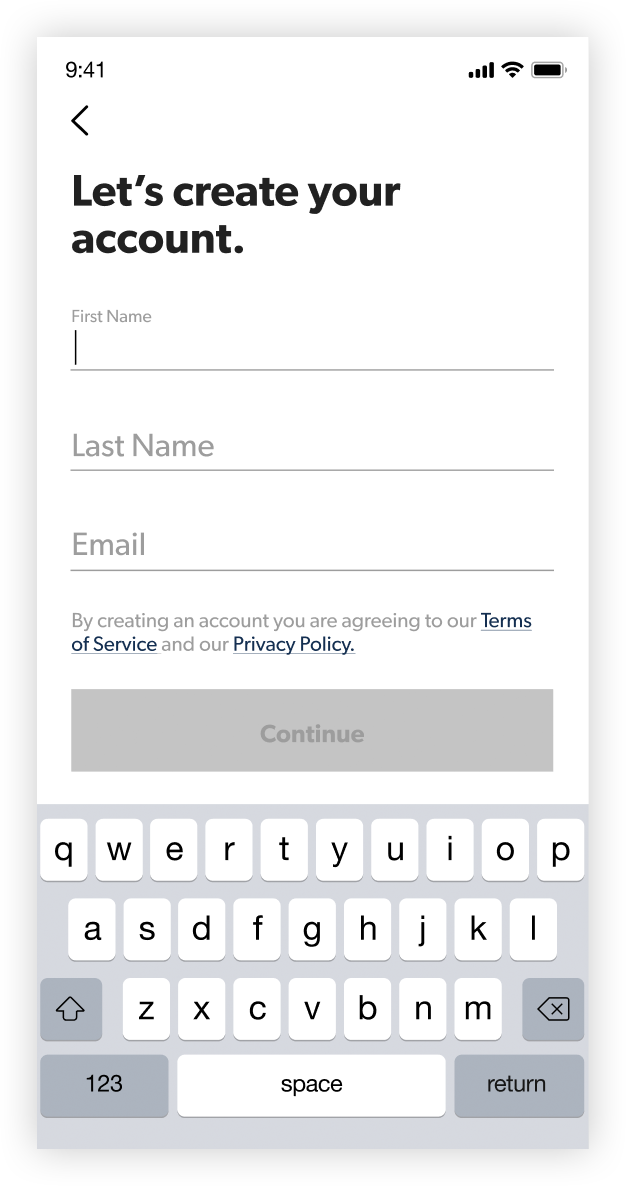 |
Finally, you'll enter your name and email address. As soon as you’ve done that, your Core account will be created, and we can move onto a couple quick questions that will help us understand what kind of meditations might be best for you. You’ll be asked to provide your primary interest, and your level of experience. Your answers will help Core recommend guided meditations that are best-suited to you. This is totally optional, though; if you’d prefer to skip ahead, you can always answer these questions later via the “Profile” tab. |